A regulated document changes.
Check source and rule versions. When they change, hold affected work for rechecking.
Requires a destination adapter and expert review. Coarse checks can hold valid work too.
02 / HOW IT WORKS
See how the four stages in the Overview fit into the workflow you already use.
Bring the request, supporting evidence and the authority under which it was proposed.
Identify the applicable rules, relevant sources, required permissions and missing information.
Apply supported, configured checks to the request. Preserve the evidence and return a bounded decision.
Continue only if permitted and all required destination checks and approvals are satisfied.
Your organisation sets the policy and your existing platform runs the workflow. The destination must enforce the decision. Supported checks and trusted inputs are required; this is not a universal connector.
Illustrative use cases
Check source and rule versions. When they change, hold affected work for rechecking.
Requires a destination adapter and expert review. Coarse checks can hold valid work too.
Check the amount, duplicate-payment rules and required approval. Keep a record for audit.
A valid approval can still authorise a fraudulent payment.
Check agreed limits and approval requirements before the connected provisioning step.
Protection depends on the provisioning system enforcing the decision.
Illustrative examples, not customer deployments or regulatory certification. The Control Tower shows recorded synthetic tests.
For software and technology partners
Evaluate one bounded workflow using your existing platform, rules and evidence. Compare quality, cost, latency and failure handling against your baseline before a wider rollout.
Explore one governed decision →
EXPLORE MORE BUSINESS SCENARIOS
Five ways to apply verification to the work you already do.
My company’s website feels exposed to the growing world of AI agents.
Yes, EcoKure can check agent actions routed through it.
AI can prepare a payment. I need a clear decision before the money moves.
Yes, EcoKure can check a proposed payment against your configured rules.
The source changed. Does the document our AI prepared still hold up?
Yes, EcoKure can hold affected work for rechecking when its sources change.
If someone asks why our AI acted, can I show the checks behind that decision?
Yes, EcoKure can keep a signed record of the checks and decision.
Our rules changed. I need the AI workflow to stop and ask the right person.
Yes, EcoKure can require review before a connected action proceeds.
Illustrative scenarios, not live customer results. Protection depends on supported checks, configured rules and a connected system that enforces the decision.
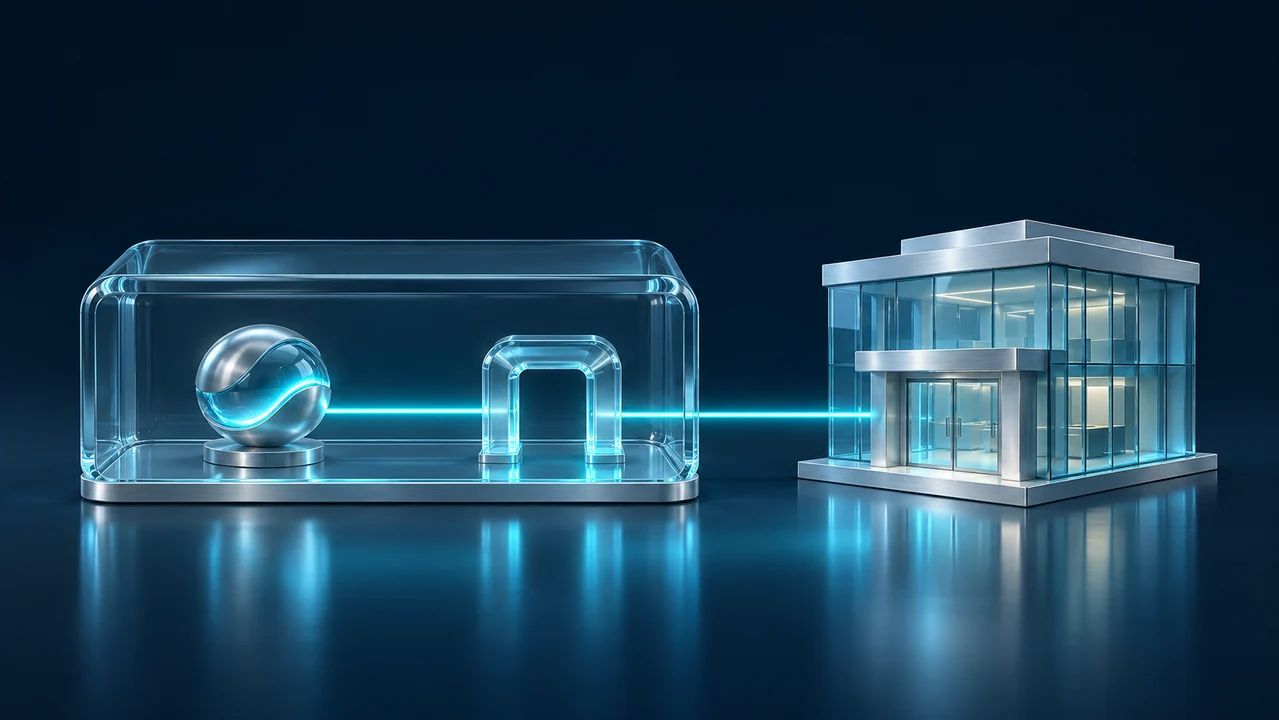
Add an EcoKure check at a specific point in software you already use.
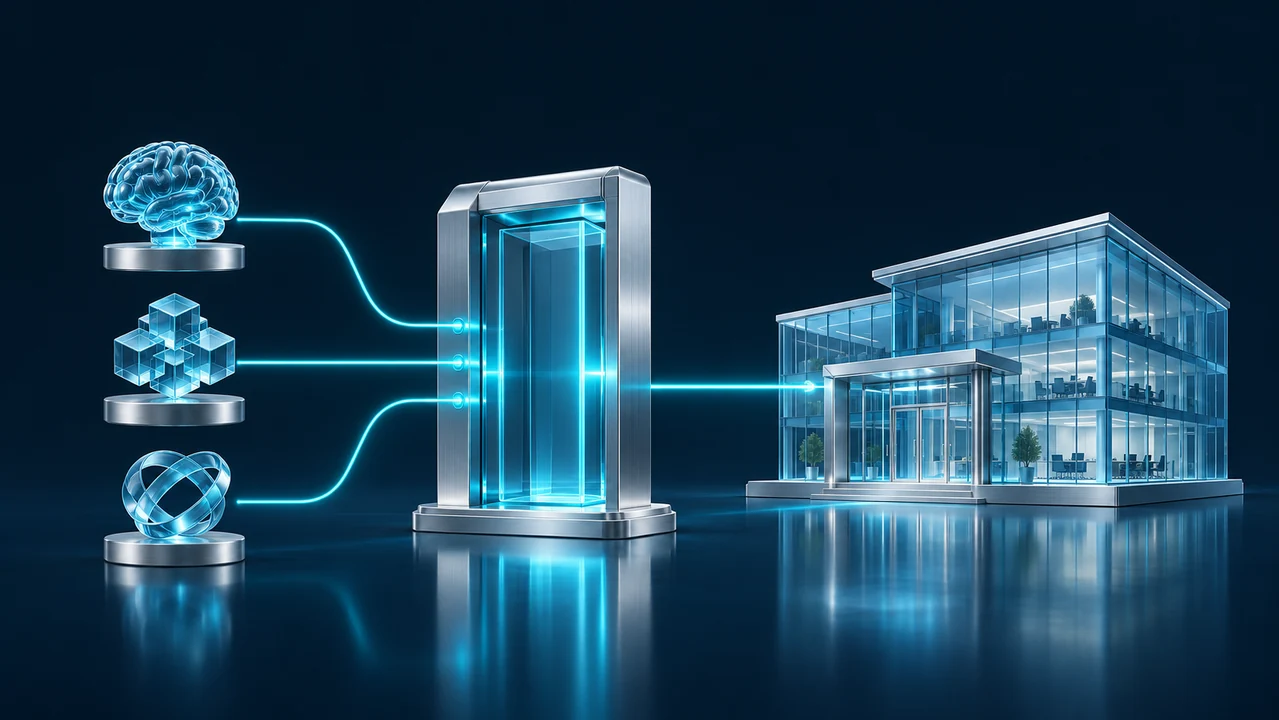
Route supported agent actions through a shared checkpoint before your systems.
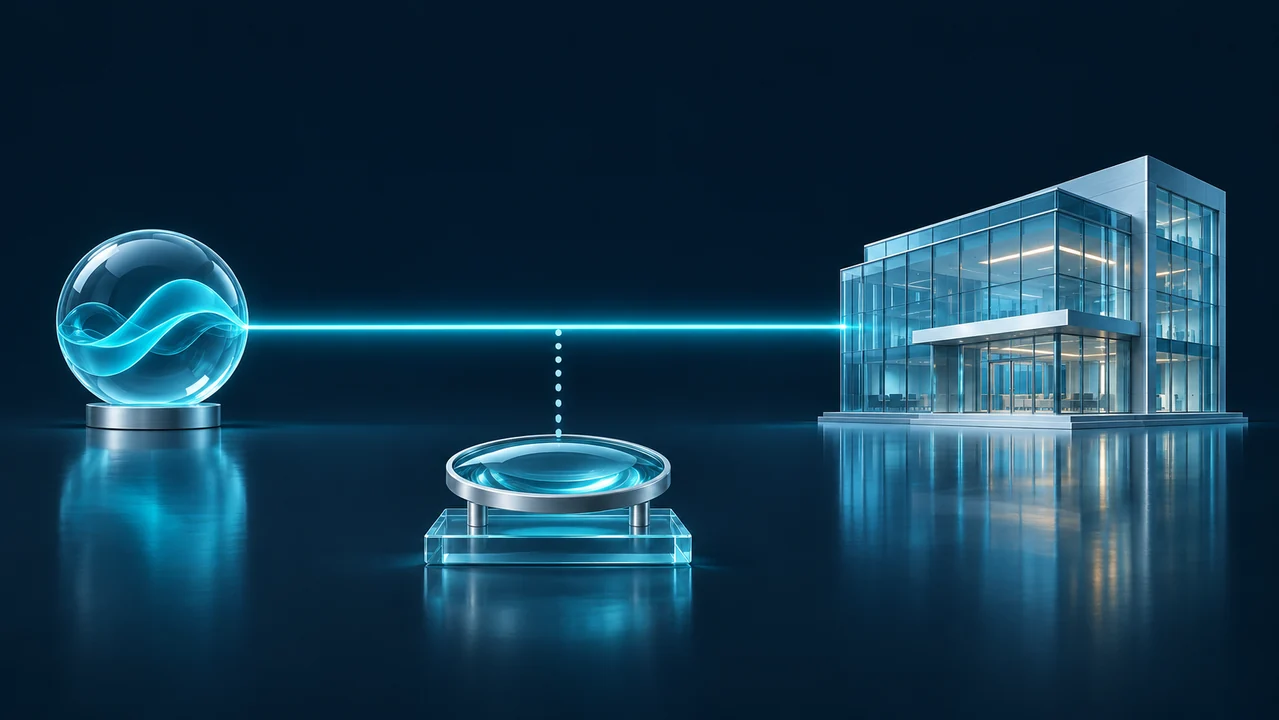
See what EcoKure would decide while your existing workflow runs as usual.
Within policy: the checked request continues in all three examples. Each keeps a record.Outside policy: the integrated check and gateway refuse the request. Evaluation records “would be stopped” and does not stop it.
Illustrative outcomes, not live execution. Evaluation only observes a copy. Exact coverage is agreed and tested in your pilot.
EcoKure Terminal is a separate desktop product. It is not one of the enterprise integration paths.